


Description
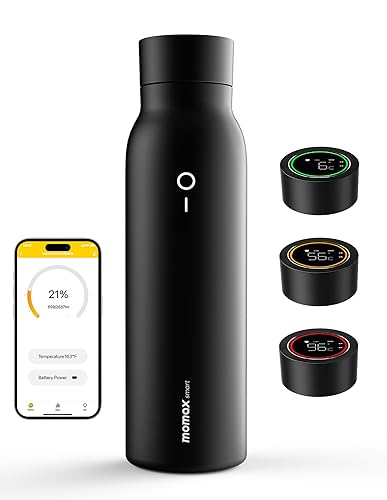
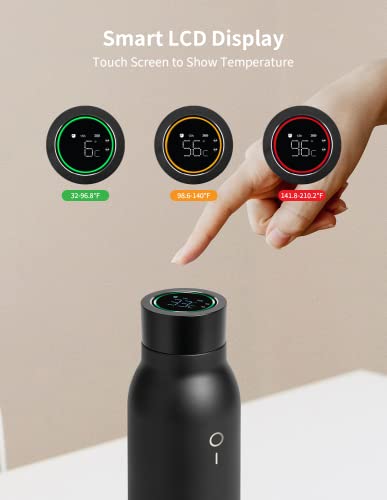
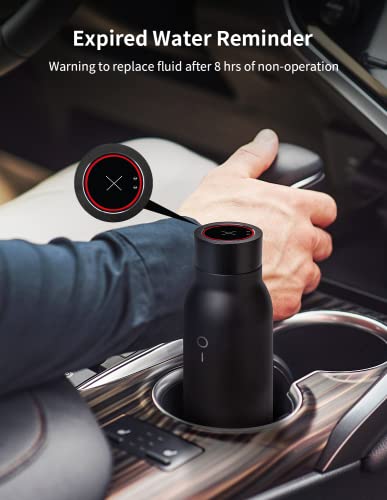
[Stylish and Practical] Momax Smart water bottle features curved design and matte finish, giving it a sleeker, cleaner look than traditional thermos. 20.28oz capacity makes it easy to meet users’ daily water intake. Double wall vacuum insulation keeps your drinks hot/cold for up to 6 hrs. Ideal for use in office, gym, outdoors and travel.[Intuitive Temperature Display] Momax Smart tea thermos comes with Touch-Sensitive LCD Screen that displays water temperature in real time. In addition to the values, you can also get a general idea of temperature by looking at 3 color circles (red/orange/green). When not drinking for more than 8 hrs, the screen will display symbol x to remind the water quality expired.
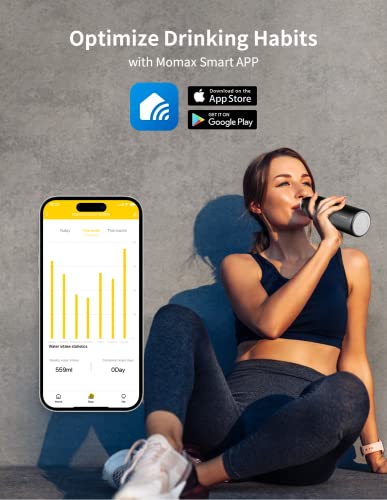
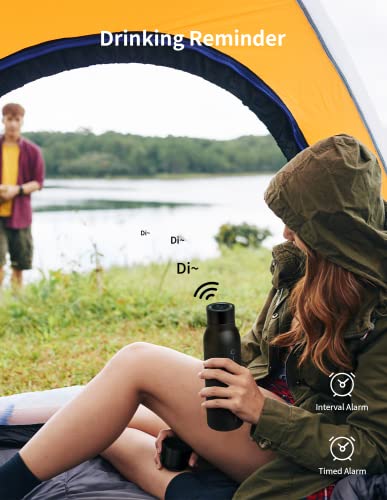
[Keep Health with Smart APP] Good drinking habits are the key to maintaining good health. Momax Smart insulated bottle can set alarm via APP or screen touch to remind you to drink water on time. You can also optimize your drinking habits by visually viewing your daily/weekly/monthly water consumption with the help of Momax Smart APP.
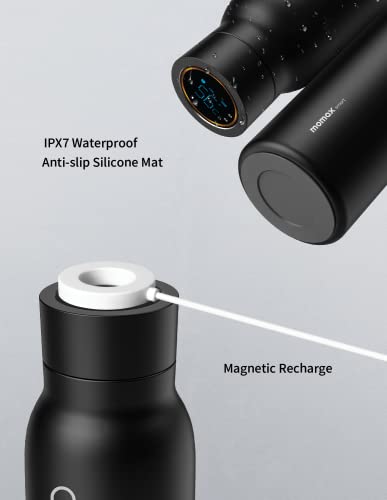
[Convenient Magnetic Recharge] Unlike traditional thermos bottles with displays that cannot be charged, this coffee flask is creatively equipped with magnetic charging function. Just snap on magnetic charging cable and your bottle will be fully charged in 1.5 hrs. No need to worry about running out of power. No need to purposely align the charging port.
[Food Grade and Durable] Momax Smart water bottle is all made of food-grade materials with BPA free, such as 304 stainless steel, Silicone and PP, etc. Does not produce metallic taste or rust. Does not change the taste of your drink. IPX7 water resistance allows it to be used outdoors without fear of contaminating drinking water with splashes of liquid and dust.
Please read the instructions before using the smart thermos. After you download the APP and register. 1. click “+” and then click “MOMAX Smart Kettle” to add the device. 2.Power on the device until you hear a tone or the indicator light blinks . Click “Confirm indicator light blinks or you hear a tone”. 3. Click “Next” for Bluetooth operation (this search will take about two minutes, do not perform any operation during this period). 4.Once the connection is completed, you can edit the name of th




There are no reviews yet.